Website Eye Tracking & Behavior Tracking
Labvanced Web Bridge brings a real website into the Labvanced environment, so you can study, in a controlled setting, how participants gaze, click, and navigate through it. Gaze is tracked using Labvanced's webcam eye tracking, validated against an EyeLink 1000 in a peer-reviewed study (Kaduk et al., 2024), alongside clicks, hovers, and scrolling, all captured from the same real page rather than a recreation of it.
Table of Contents
Real Website Testing With Labvanced Web Bridge
Most research platforms can only show participants stimuli built inside them, images, videos, forms, custom pages. Web Bridge breaks that limit: bring an actual product page, news site, or web app into the study instead, using a free Chrome extension.
Controlled UX and behavioral research benefits most, since seeing how someone reacts to the real thing matters more than a recreation of it.
Web Bridge is part of Labvanced's full experiment platform, so the same study can randomize which version of a page a participant sees, combine website tracking with Labvanced's other measures, and export everything in one consistent format.
Real Websites, Not Mockups
Participants interact with your actual website, live, inside the study. What gets tracked is the real page your users will actually see.
Everything In One Place
Gaze, clicks, hovers, and scrolling are all captured on the very same tracked element, so every signal lines up without extra work.
Tracks Elements, Not Screen Positions
Mark something once. Tracking keeps following it correctly through scrolling, resizing, and even pop-ups or menus that only appear after a click.
Two browser restrictions normally stand in the way, and Web Bridge works around both.
Websites block embedding. Many sites set a security header, X-Frame-Options or Content-Security-Policy, specifically to stop themselves from being shown inside another page. Web Bridge lifts that restriction, but only in browser tabs where Labvanced is open, other tabs are unaffected, and the change disappears the moment the tab closes or leaves Labvanced.
Browsers isolate embedded pages. Even once a site is embedded, mouse activity inside it normally can't reach the page around it. Web Bridge's extension reads clicks, hovers, and movement directly from inside the embedded page and relays them back to the study in real time.
Using Web Bridge in a Study
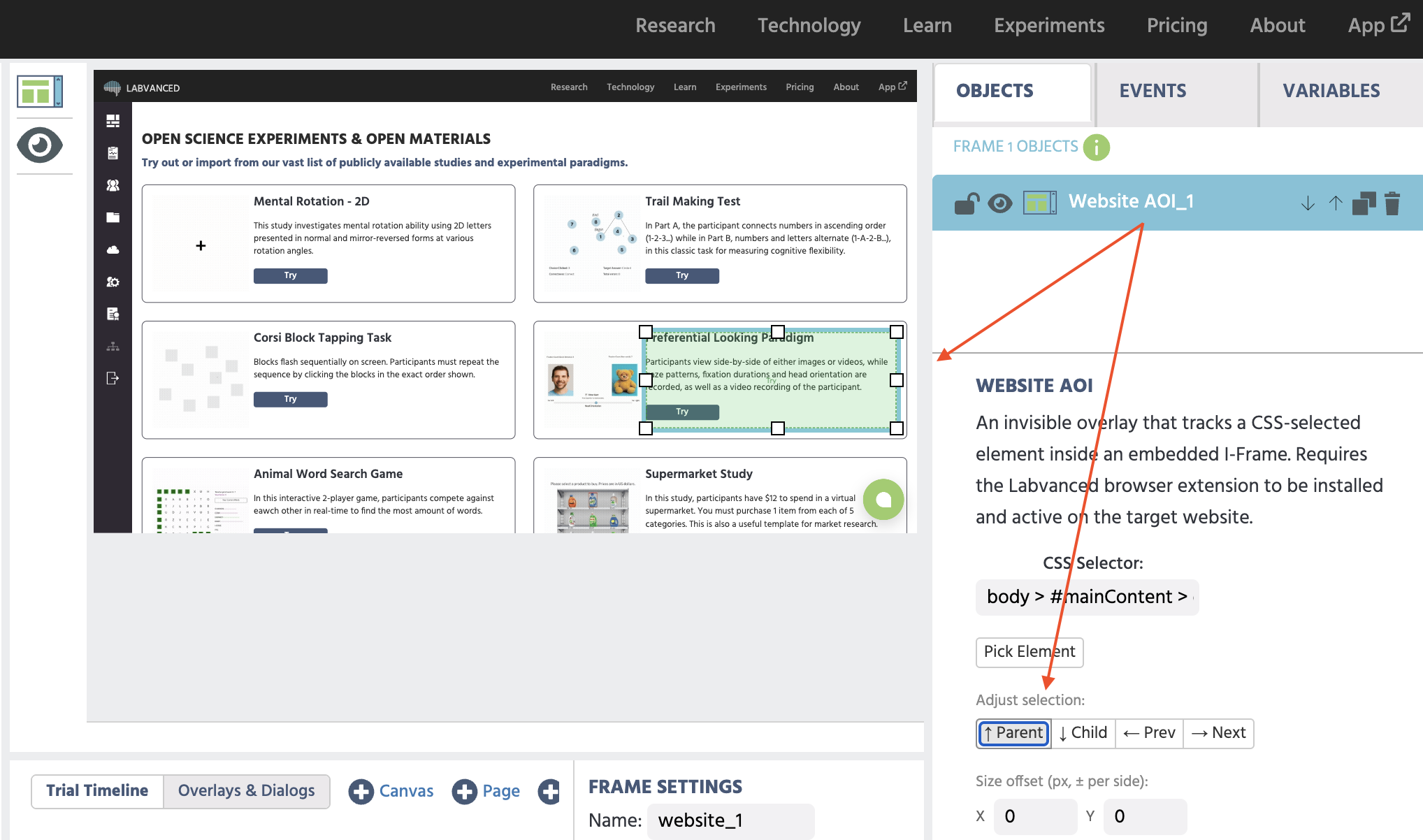
To use it, researchers add a Website Frame to a study and point it at a real URL. From there, marking what to track is a simple click-and-select action: click on a product photo, a headline, or a button, and Labvanced locks onto that exact element, not its position on screen. Labvanced continuously monitors the page, so tracking automatically adjusts for scrolling, for elements that only appear after a click, like a pop-up or a dropdown, and even for animations or elements that resize or move on their own. Every tracked area is a simple rectangle, and nothing is tracked automatically: a researcher chooses exactly what matters before a study runs.
| Property | Specifications |
|---|---|
| Browser | Google Chrome |
| Built On | Labvanced's peer-reviewed webcam eye tracking (Kaduk et al., 2024) and its mouse tracking |
| What It Tracks | Gaze, clicks, hovers, and scrolling on any element you choose |
| Privacy | Only runs inside websites that Labvanced embeds. Text in password and payment fields is never read |
Installing the Extension
Web Bridge is a free Chrome extension. Both you and your participants need it installed. It takes less than a minute, and Labvanced walks participants through it automatically if they don't already have it.
For deeper reference once you're building a study, see Selecting and Adjusting Website AOIs for the full AOI anchoring controls. For building click, hover, and movement events, see Tracking Mouse Behavior on a Website AOI.
Research Use Cases
E-Commerce
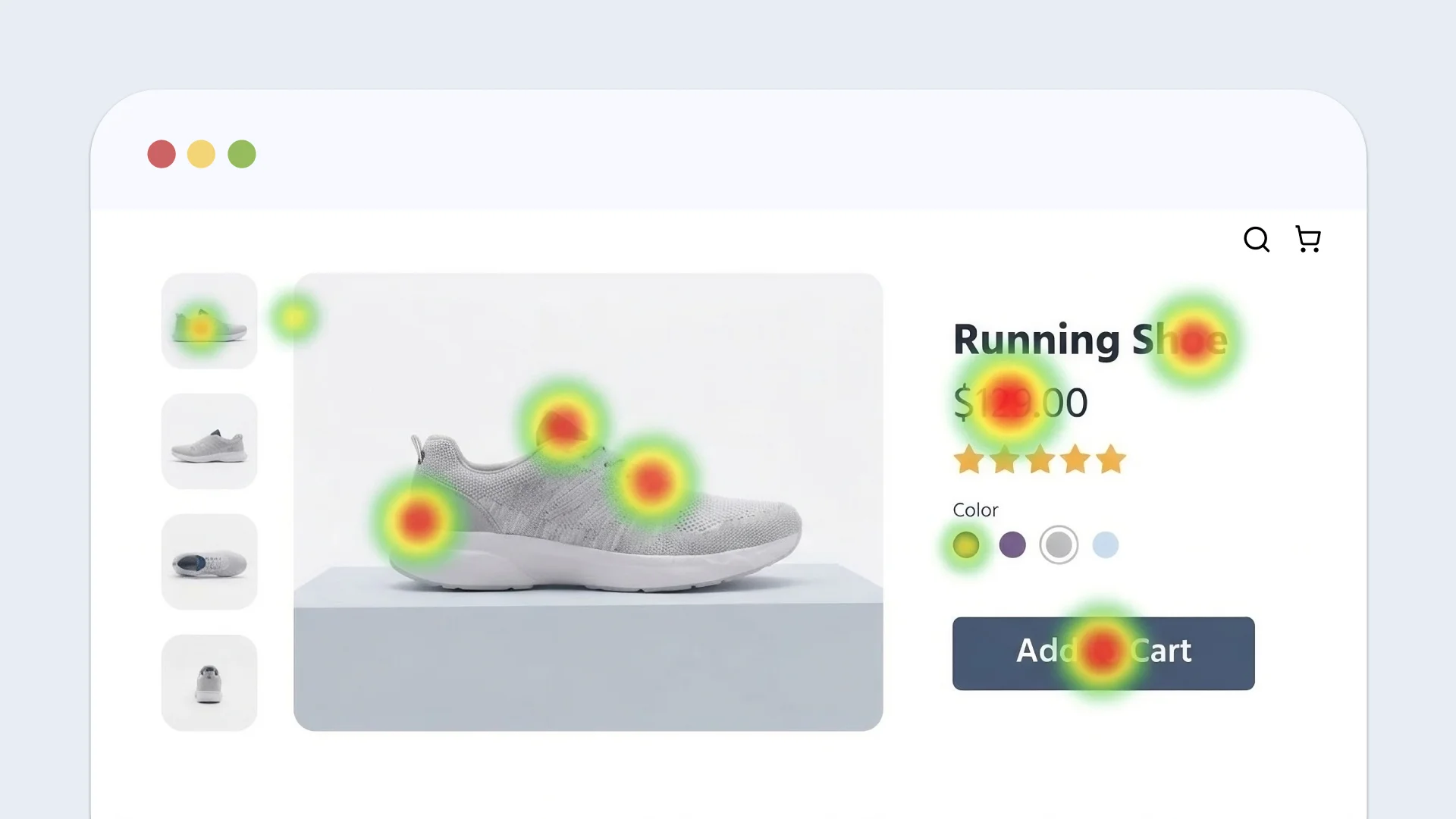
Embed a real product page. See which photos people actually look at, which buttons get clicked, and how far they scroll before adding something to their cart.

News & Media
Embed a live news article. Find out which headlines get noticed first, and how attention changes as an article gets longer.
Navigation Testing
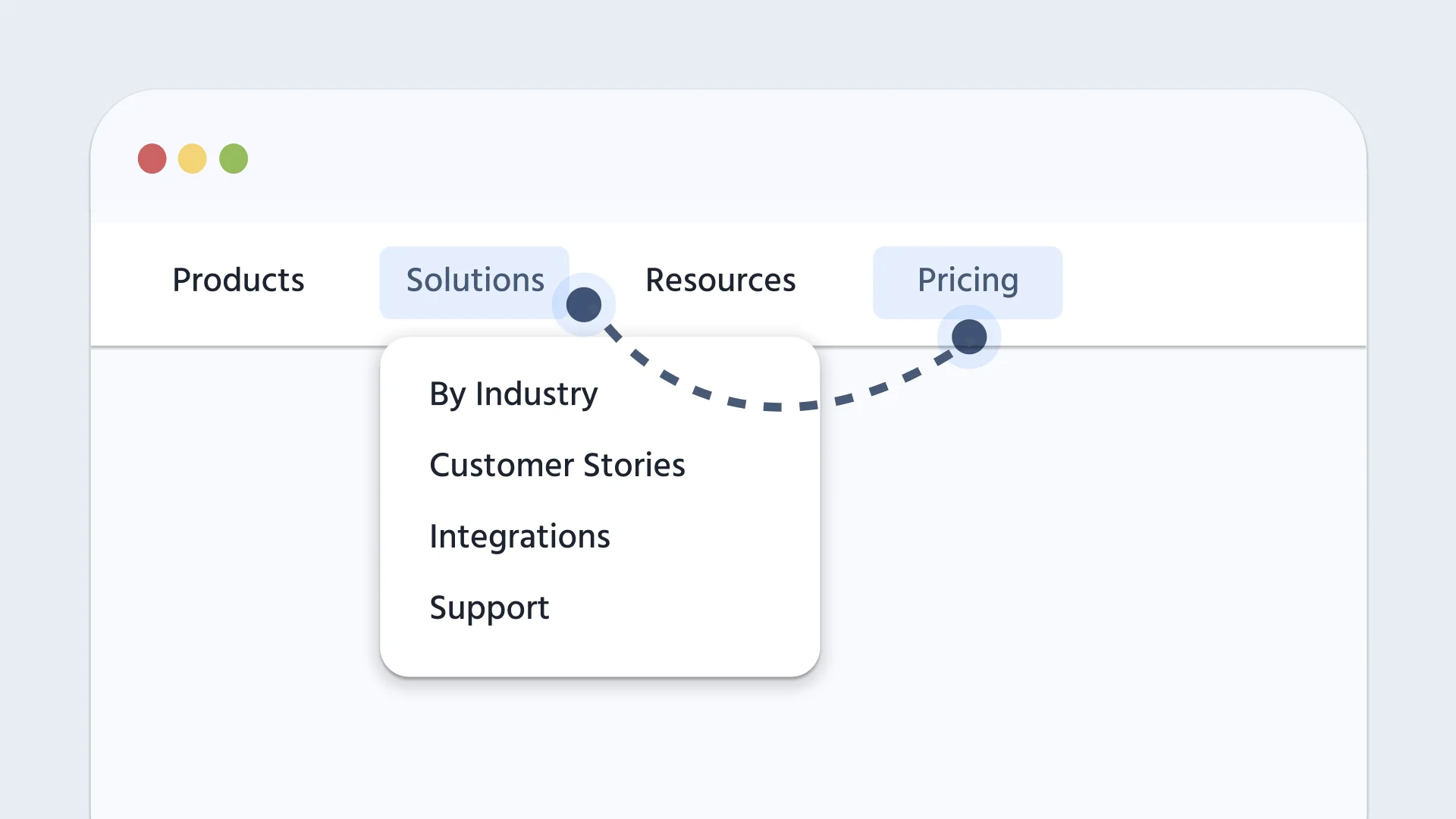
Embed a real menu or multi-page flow. See whether people can actually find what they're looking for, and where they hesitate.
A/B Testing
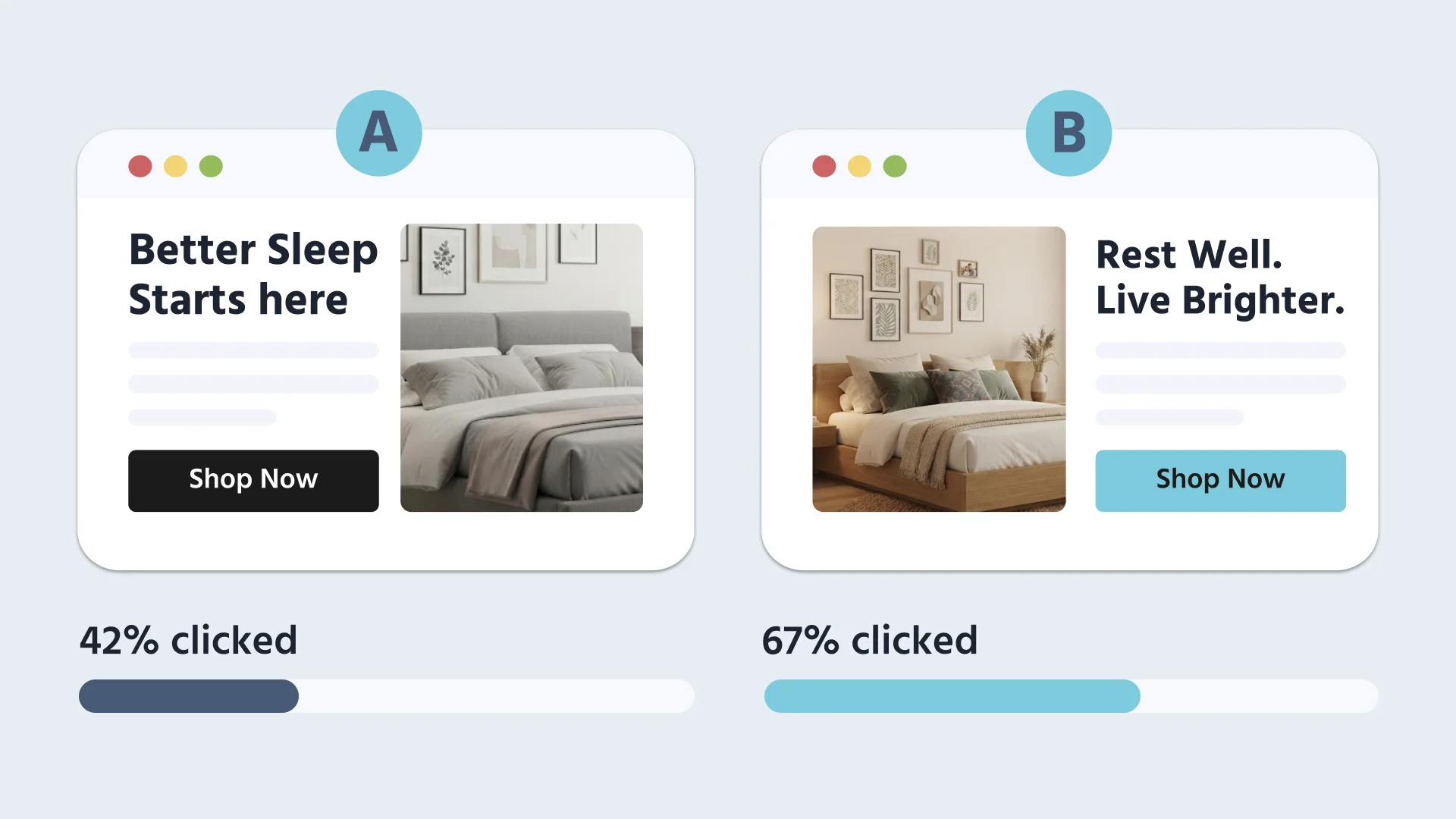
Embed two versions of the same page, randomly assign participants to each with Labvanced's built-in counterbalancing, and compare the results directly.
Developmental Psychology
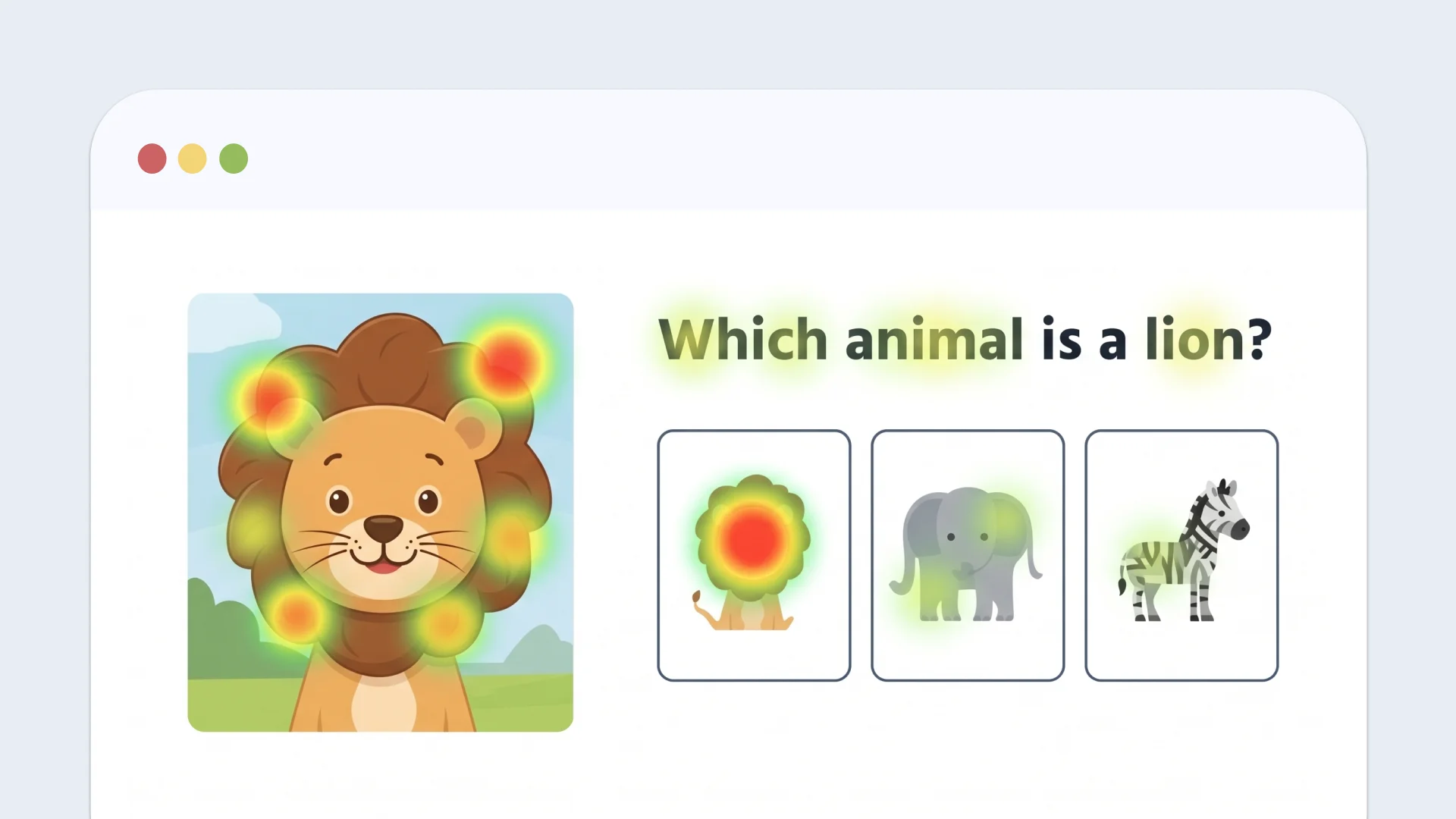
Embed a real children's educational website and track how young participants navigate it. This is useful for research on digital literacy and how attention develops online.
Media & Political Psychology
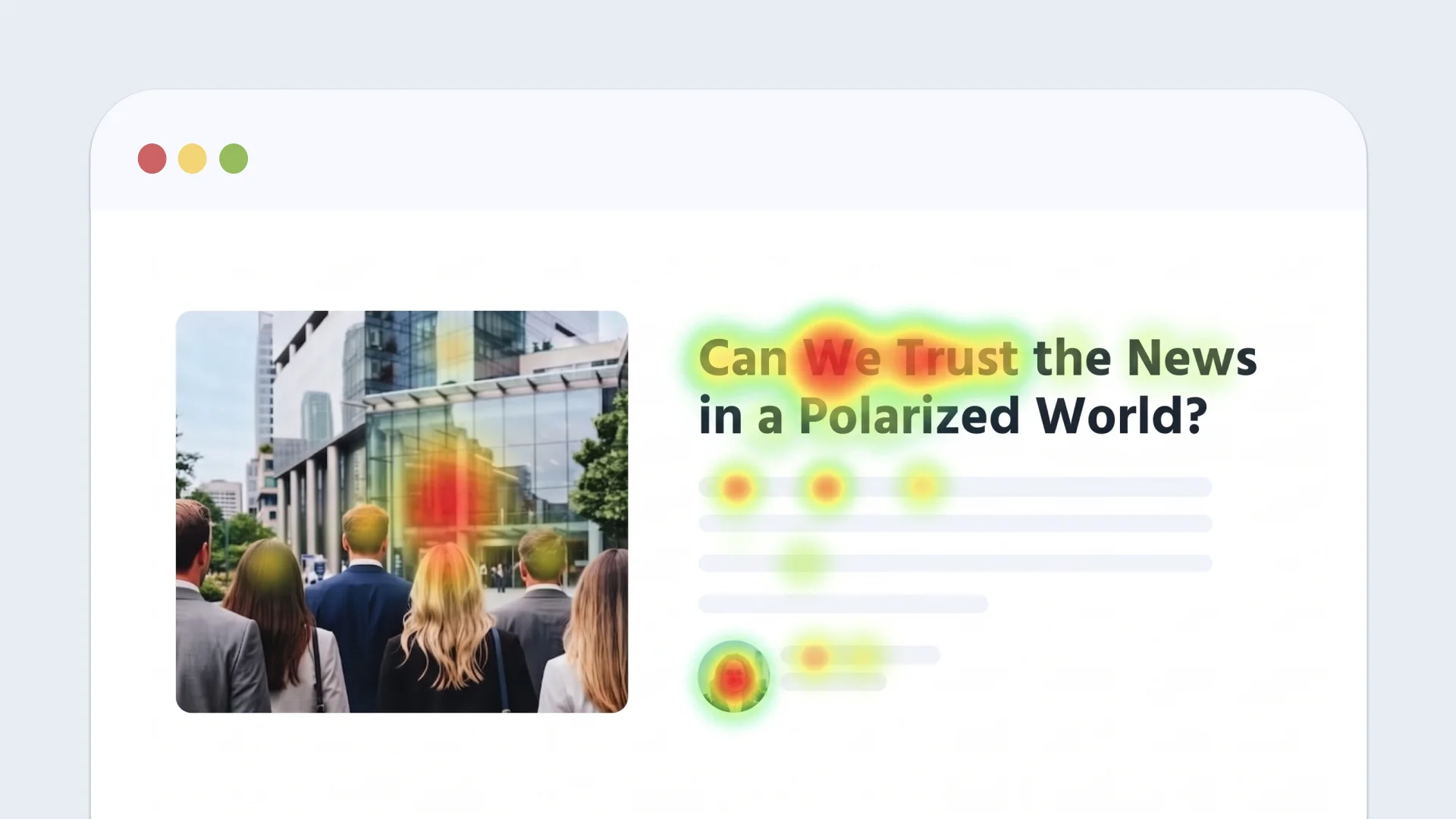
Embed a real news article and track whether people's eyes ever reach the byline or source, before they decide whether to trust it.
For marketing research specifically, see Website Eye Tracking for Marketing Research: five studies you can run, from checkout fees and pop-ups to banner ads, product pages, and A/B tests.
Data Collected
Embedding a real website turns ordinary browsing into research data. With Web Bridge, you can find out:
- Where visitors look first, and for how long
- Which elements never get looked at, or get skipped past entirely
- How attention moves from one part of a page to another before someone clicks
- Whether what people click matches what they looked at first, or attention and action pull in different directions
- How long people linger on one area, which can mean they're reading closely or are stuck looking for something
Pick anything on the page, such as a product photo, a headline, or a button. Here is the data recorded for it:
| You get | What it tells you |
|---|---|
| Gaze | Where people actually look, and for how long |
| Element position | The exact location and size of what you're tracking, updated live as the page scrolls |
| Clicks | What people click, and exactly where |
| Hovers | What catches attention even without a click |
| Mouse movement | How the cursor moves across the page |
| Scrolling | How far people scroll before they act |
Every result exports cleanly to CSV, XLSX, or TSV, ready to analyze.
Working With This Data
For designing a study around this data, a few behaviors are worth knowing up front.
Coordinate spaces differ by interaction type. Click, mouse-down, mouse-up, and mouse-move events report page-relative coordinates, which is the position across the embedded page's full scrollable area, including whatever has already been scrolled past. Hover and leave events instead report element-relative coordinates, which is the position within the tracked element itself. Both use the same coordinate labels in the interface, so decide up front which interaction type a study needs. Combining the two in one exported column mixes two different coordinate systems with no warning. Gaze data recorded on a tracked element uses the same page-relative space as clicks, so gaze and click data from the same element line up directly without any conversion.
Tracking updates continuously, not only on scroll. Every tracked element's position and size is re-measured on every frame, which is what lets tracking correctly follow animations, CSS transitions, and elements that resize dynamically, not just scrolling or repositioning.
Scrollable regions inside a tracked element get their own coordinate space. If a tracked element has its own internal scrolling, such as a chat panel or a scrollable product list, marking it as a scrollable container exposes that region's own scroll position and content size separately from the page's overall scroll, so nested scrolling isn't conflated with the outer page.
Mouse events offer three targeting modes. A mouse event can fire for one specific tracked element, for any tracked element without picking one individually, or for anywhere on the embedded page regardless of whether it's a tracked element at all. This is useful for capturing broad interaction patterns without marking every element in advance.
Validation & Comparisons
Web Bridge combines two of Labvanced's core measurement engines. Gaze data comes from Labvanced's webcam eye tracking, tested against a professional eye tracker (the EyeLink 1000) in a peer-reviewed study: an overall accuracy of 1.4° and a precision of 1.1°, improving to 1.3° accuracy and 0.9° precision at the center of the screen (Kaduk et al., 2024).
Click, hover, and cursor data come from Labvanced's mouse tracking and are recorded on the same tracked element as the gaze data.
How It Compares to Other Approaches
Other ways to test a real website differ in what they need from the site and what they can record on it.
| The question | Other approaches | Web Bridge |
|---|---|---|
| Does the website need changes? | RealEye, a webcam eye-tracking service, needs its JavaScript SDK on the site and a data-re-aoi-name attribute on every tracked element for its embedded website test. Microsoft Clarity, a heatmap and session-recording tool, needs its tracking code installed on the site. | No. You paste the URL of the website you want to test and mark elements by clicking them in the Labvanced editor. |
| Can it record what happens inside an embedded page? | A plain embed of another website, such as the Labvanced I-Frame object, cannot be read by the page around it, so clicks and scrolling inside it are not captured. Microsoft Clarity also cannot capture third-party iframes. | Yes. The extension reads clicks, hovers, mouse movement, and scrolling from inside the embedded page. |
| Does it keep up with scrolling and changing pages? | RealEye's embedded website test analyzes a screenshot of the site and does not support horizontal scrolling. | Yes. Marked elements are followed through scrolling, resizing, animation, and content that loads after the page opens. |
| Does the data come from real participants? | Predictive tools such as Attention Insight estimate attention with an AI model instead of recording real participants. | Yes. It records where real participants look and click. |
| Does it need special hardware? | Pupil Labs, an eye-tracker maker, offers a Web AOI tool that requires its Neon eye tracker. | No. It uses the participant's webcam. |
For what an AI-predicted heatmap can and can't tell you compared with recording real participants, see AI Can Predict Where You'll Look. It Still Doesn't Know What You'll Do.
Limitations
Web Bridge runs in Google Chrome only, and the researcher and every participant need the free extension installed. Using a Website Frame in a study requires the Ultimate license. Some sites cannot be embedded: amazon.com and ebay.com are blocked in the editor because of their bot protection, and other sites that detect embedding may not work. Web Bridge tracks the elements a researcher marks rather than everything on a page.
Frequently Asked Questions
Does Web Bridge track people on other websites?
Do participants need to install anything?
How does tracking keep working if the page changes?
Does it automatically detect what to track?
Can I track clicks and mouse movement without eye tracking?
Is this data as accurate as Labvanced's regular eye tracking?
Further Reading
Webcam Eye Tracking
The validated engine behind Web Bridge, and the full accuracy study.
Mouse Tracking
Track cursor movement on stimuli built inside Labvanced, not just external sites.
Labvanced Web Bridge Guide
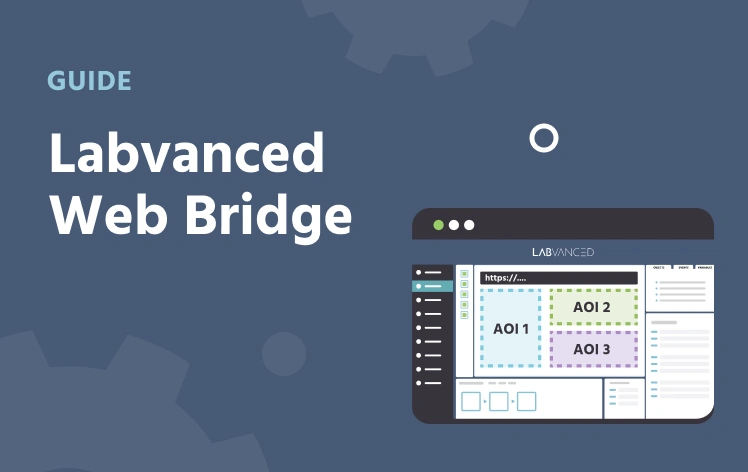
Install the extension, embed a website, mark elements, and start recording.