Working with Variables
Variables are the backbone of any Labvanced experiment. They are containers that store data at runtime: participant responses, reaction times, stimulus conditions, accuracy scores, and any computed value your study logic depends on. Without variables, an experiment cannot record, cannot adapt, and cannot make decisions. Every event action that reads a value or writes a result is operating on a variable.
Understanding variables is the key to moving from static experiments to fully dynamic, branching studies. A variable can trigger an event when its value changes. An event can update a variable. A variable value can control which image is shown, which task branch is taken, or whether a participant moves forward or is redirected. This interplay between variables and events is what gives Labvanced experiments their flexibility.
In this section
Introduction to Variables
What variables are, what data they hold, and why every experiment depends on them. Start here if you are new to the variable system.
Creating Variables
Four ways to create a variable: from the Variables tab, the task editor panel, an object prompt, or the event system. Covers naming conventions and when each method is most useful.
Variable Types
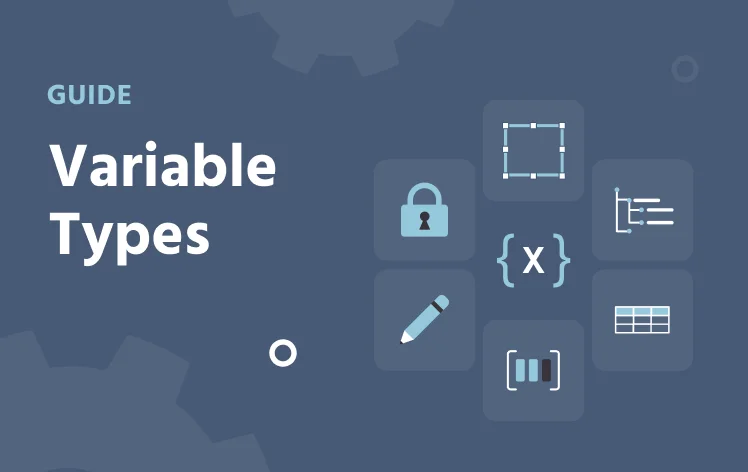
The six types of variables in Labvanced: system, factor, object, custom, array, and data frame. What each type stores and when to use it.
Variable Properties
A full reference for every setting: data type, scale, format, start value, reset behavior, and recording options. Use this page to configure a variable correctly for your study design.
Time Series Variables
How to record continuous measurements like mouse position, gaze, or physiological signals. Covers record type, sampling method, and what the exported data looks like.
Data Frame Variables
How to upload a CSV as a data frame, map file stimuli, and read rows trial by trial using the event system. The standard tool for stimulus lists and counterbalancing.
System Variables
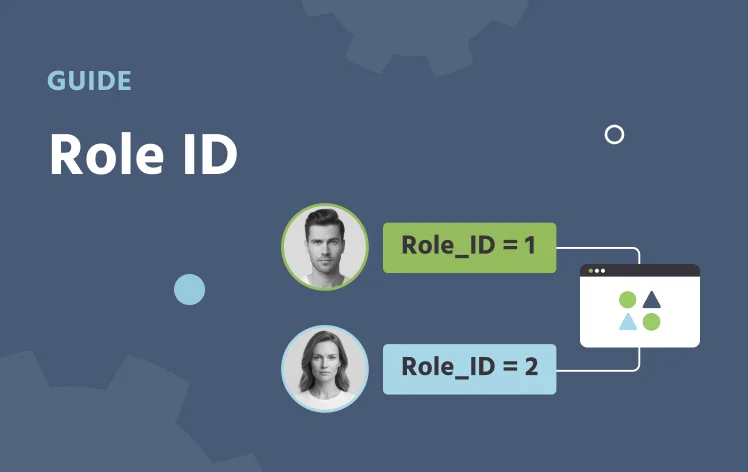
What system variables are: automatically created, read-only, and tracking experiment-level information like trial number and Role_Id.
Role_Id
The system variable that identifies each participant in a multi-user study, without collecting anything personal.
Before you build
Variables are global to the study. A variable created in one task is visible and accessible in every other task and in the event system across the entire study. Variable names must be unique: two variables cannot share the same name.
Before building your first task, map out the variables you need. Ask: what data do I need to collect? What decisions does the experiment need to make? What values need to be tracked across trials or tasks? Creating variables with a clear plan is significantly easier than adding them mid-build and reworking event logic around them.
What gets recorded
System, factor, and object variables are recorded automatically. Custom variables require two additional steps: enable Record Variable in the variable properties, and add a Set / Record Variable action in the event system to write the value at the right moment.
For time-sensitive measurements like reaction time, mouse tracking, or physiological signals, see Time Series Variables for the additional Record Type and Sampling Method settings that control how continuous data is captured.