Audio Recordings
Audio recording gives you the capability to capture spoken responses directly inside a Labvanced trial, from a single word to a multi-minute narrative, in MP3 or lossless WAV, synchronized to the same events as the rest of your study.
Table of Contents
Recording Built Into Your Experiment
Collecting spoken responses typically means running a separate recording application alongside whatever presents the stimuli, two tools to manage, and a manual step afterward to match each audio file back to the moment it was recorded. Labvanced folds this into the same platform that builds and runs the rest of your study, so every recording already belongs to the right place in your data, with nothing to export, rename, or match up by hand.
How Audio Recording Works in Labvanced
You can place audio recording anywhere in a study and give the participant direct control over starting, pausing, and re-recording their response, or set it up to run automatically, starting and stopping on its own after a duration you choose.
Format Options
Two formats are available. MP3 can be encoded at your choice of 128 or 320 kbps, trading file size against audio quality. Lossless WAV stores the recording as uncompressed PCM audio, with no bitrate setting to choose, since there is nothing to compress. Pick MP3 for smaller files, or WAV when a recording needs to hold up under closer downstream acoustic analysis.
| Available Format | Best for |
|---|---|
| MP3 | Smaller file sizes, with a choice of 128 or 320 kbps bitrate |
| Lossless WAV | Recordings that need to hold up under closer downstream acoustic analysis |
How Long Can Audio Recordings Be?
It depends on the audio file type. There's an upload limit of 100MB per recording upload, which roughly translates to:
| Format | Approximate maximum length per recording |
|---|---|
| Lossless WAV | ~20 minutes |
| MP3 @ 128 kbps | ~109 minutes (about 1 hour 49 minutes) |
| MP3 @ 320 kbps | ~44 minutes |
The limit applies separately to each recording upload, not to the study as a whole. For example, a study with 150 trials, each capturing one recording, produces 150 separate uploads, each one checked against the 100MB limit on its own, not against a combined 100MB total across all 150.
If a recording goes over this limit, the upload fails without any warning to the participant or researcher, so it's worth designing around these limits directly for studies expecting longer recordings.
Privacy
Recordings are stored on Labvanced's EU servers in compliance with GDPR. For labs that need an extra layer of protection, more advanced licenses also have the option to apply end-to-end encryption to binary files like audio recordings. For the full data security and compliance picture, see Data Security & Privacy.
Research Applications
Verbal-response capture is central to several research domains:
- Linguistics: recording spoken responses for phonetic, prosodic, or psycholinguistic analysis, without needing lab-based recording equipment. See Linguistics.
- Developmental psychology: capturing children's spoken responses in language-acquisition and verbal-development studies. See Developmental Psychology.
- Qualitative research: collecting open-ended spoken narratives rather than forced-choice responses, where the recording itself is the data.
- Clinical psychology: capturing spoken responses for symptom interviews, verbal fluency tasks, or other assessments where what a participant says, and how, is itself the measure. See Clinical Psychology.
Audio Recordings vs. Transcription
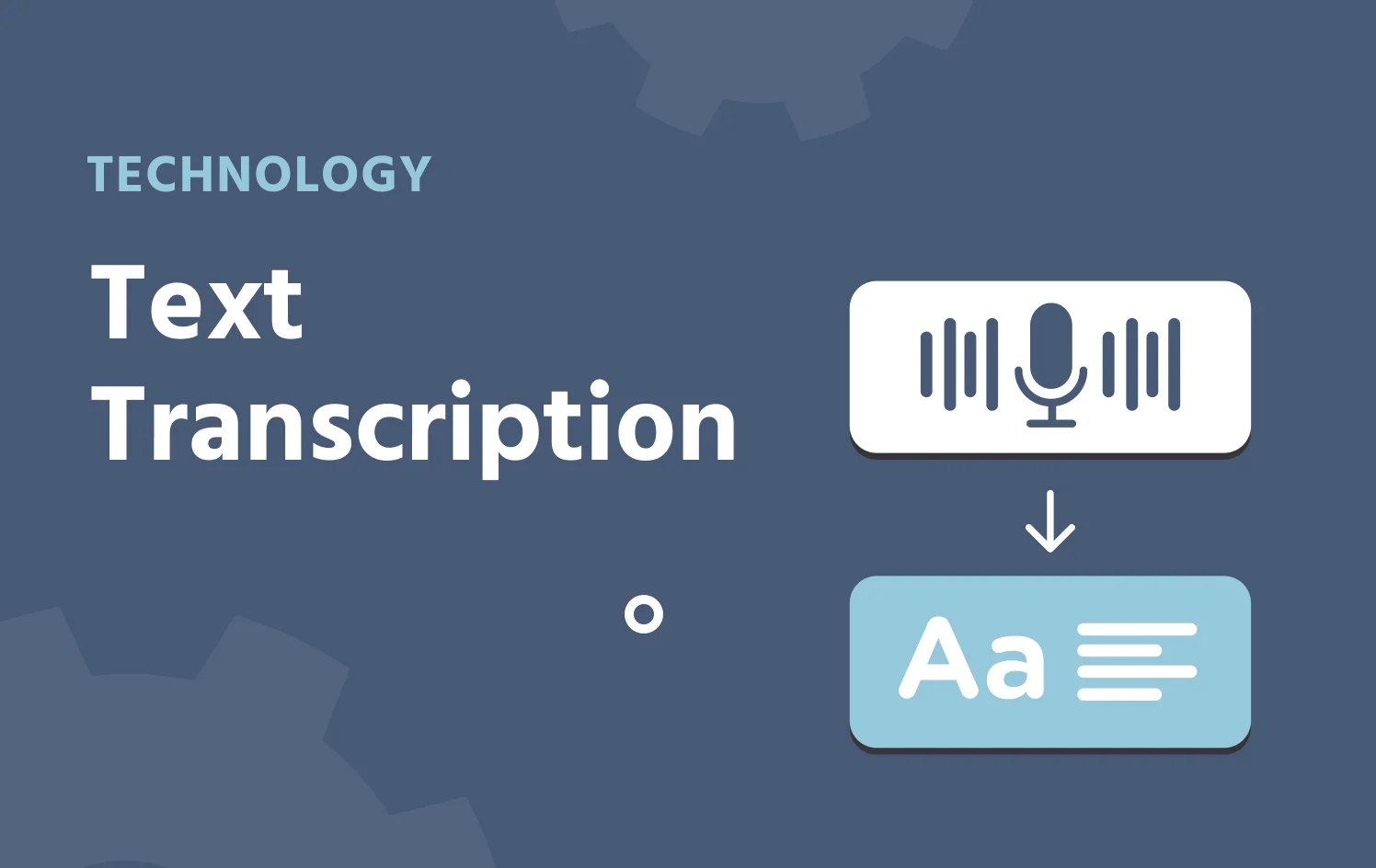
Audio Recording can hand its output directly to Labvanced's built-in transcription action, so a spoken response becomes searchable text within the same trial, no separate export-and-transcribe step. For the full transcription pipeline, the model behind it, and when to use it, see Text Transcription with Labvanced.
Setting It Up in Labvanced
You have the capacity to set up audio recording with a single object, no code required. For the full step-by-step, see the Objects guide in the Labvanced documentation.
Frequently Asked Questions
Which audio formats does Labvanced support?
Can a participant re-record their response?
Does the recording have to start and stop manually?
Can a recording be transcribed automatically?
Further Reading
Text Transcription
Turn a spoken response into searchable text within the same trial.
Data Security & Privacy
How recordings and other experimental data are stored and protected.
Code-Free Study Building
Place objects, wire up events, and build a trial without writing a line of code.