Individual & Case Studies
In an individual case study, each participant's own data is the unit of analysis. In Labvanced, you can study one participant in depth and compare their results with other participants in the same study, because values stored on the server can be read back later in the study.
Table of Contents
Study One Participant in Depth
An individual case study can run in a single session or across several sessions. A single study can combine several tasks, questionnaires, and sessions, which gives you the option to build a detailed profile of each participant rather than a single summary score. Every participant's responses are recorded under their own record, so results can be examined person by person as well as across the sample.
Comparing an Individual With Others
In Labvanced, a Shared Variable stores a value on the server so that it can be read later in the study. By default, the stored values are shared between participants, so a participant's score can be compared with the scores of others who have taken the same study. For example, a study can record a participant's result on a test, store it in a Shared Variable, and then show that participant how their score relates to the mean of the other participants.
If the comparison should stay within one person, a single setting makes the Shared Variable private to each participant, so it carries that person's own values forward without exposing anyone else's.
Following an Individual Over Time
The same mechanism carries a participant's own values from one session to the next. A baseline score written in the first session can be read back in a follow-up session, so the individual's change can be shown against their own starting point. See Longitudinal Study Design for scheduling sessions, and Experience Sampling & Diaries for short repeated reports from the same participant across days or weeks.
Examples of Data You Can Collect
A participant profile can draw on anything a Labvanced study records, and these are common examples. Several can be combined in one study, and each is saved under the participant's own record.
| Data | What it captures |
|---|---|
| Task performance | Accuracy and reaction times for each trial, per participant. See Behavioral Research Tasks. |
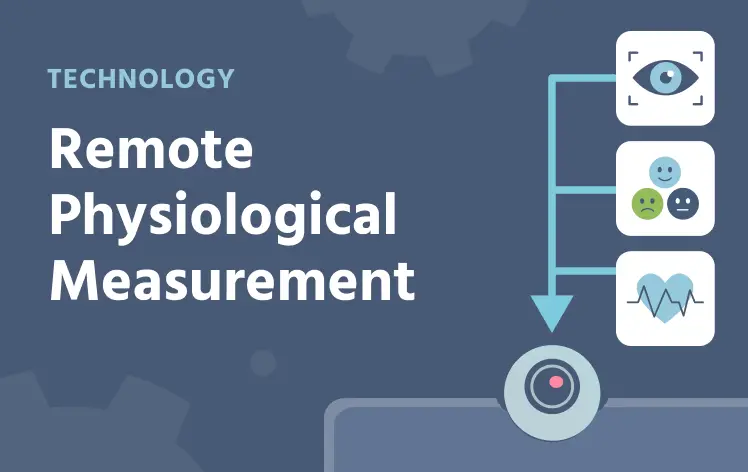
| Physiological signals | Gaze, facial emotion, and heart rate recorded together from the participant's webcam, adding a physiological profile to each person. See Remote Physiological Measurement. |
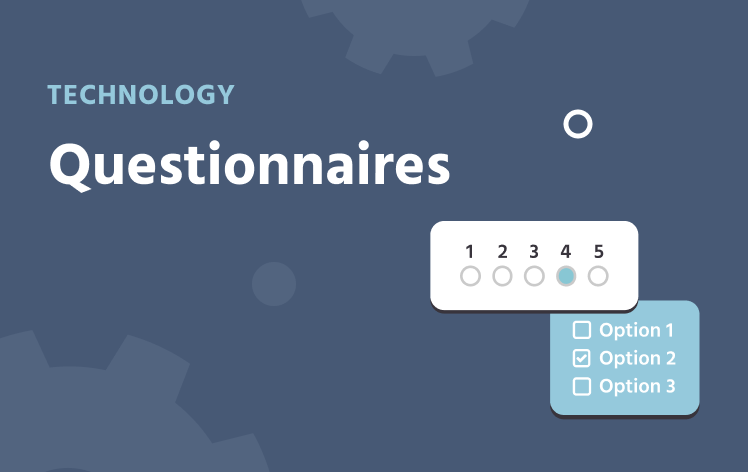
| Questionnaire scores | Item responses and scores for building a profile. See Questionnaires. |
| Cursor behavior | Cursor position and movement during a task. See Mouse Tracking. |
| Gaze | Where the participant looks on the screen. See Webcam Eye Tracking. |
| Values carried across sessions | A baseline score or running total stored on the server that later sessions can read back. |
Remote Physiological Measurement
Gaze, emotion detection, and heart rate detection from one webcam.
Questionnaires
Rating scales and item responses scored per participant.
Mouse Tracking
Cursor position and movement during a task.
Questions about your study design or platform fit?
Popular Research Applications
These are popular applications of individual-focused designs:
- Clinical and neuropsychological assessment: One person's performance can be interpreted against a reference sample, using the scores of earlier participants stored on the server. Repeated assessments can show an individual's change against their own baseline. See Clinical Psychology.
- Education: Learners can be shown their own result alongside the class mean at the end of a task or session. The class mean fills in as more students complete the study, so it is worth planning what is shown early on. See Educational Psychology.
- Developmental research: An individual child can be followed across time points, with a baseline written in the first session and read back in later ones. Sessions can be scheduled to match each developmental window. See Developmental Psychology.
- Cognitive psychology: Individual-differences studies relate each participant's performance across several tasks, which a single study can combine into one profile. Results can be examined person by person as well as across the sample. See Cognitive Psychology.

Clinical Psychology
Performance against a reference sample.

Educational Psychology
Learner results beside the class.

Developmental Psychology
One child across time points.

Cognitive Psychology
Individual differences across tasks.
Setting It Up in Labvanced
Shared Variables are configured in the task editor through the Read from / Write to Shared Variable action in the Event System, with no code required. For the options and the step-by-step, see the Event System guide.
Frequently Asked Questions
Can participants see each other's data?
Can I keep a participant's values private to them?
Can I follow the same individual across several sessions?
Why is the comparison group small at the start of data collection?
Further Reading
Longitudinal Study Design
Follow the same participants across days, weeks, or years.
Single Session Studies
The classic one-sitting format, with or without groups.
Experience Sampling & Diaries
Short repeated reports from the same participant.
Code-Free Experiment Builder
Build studies visually in the task editor, with no programming required.
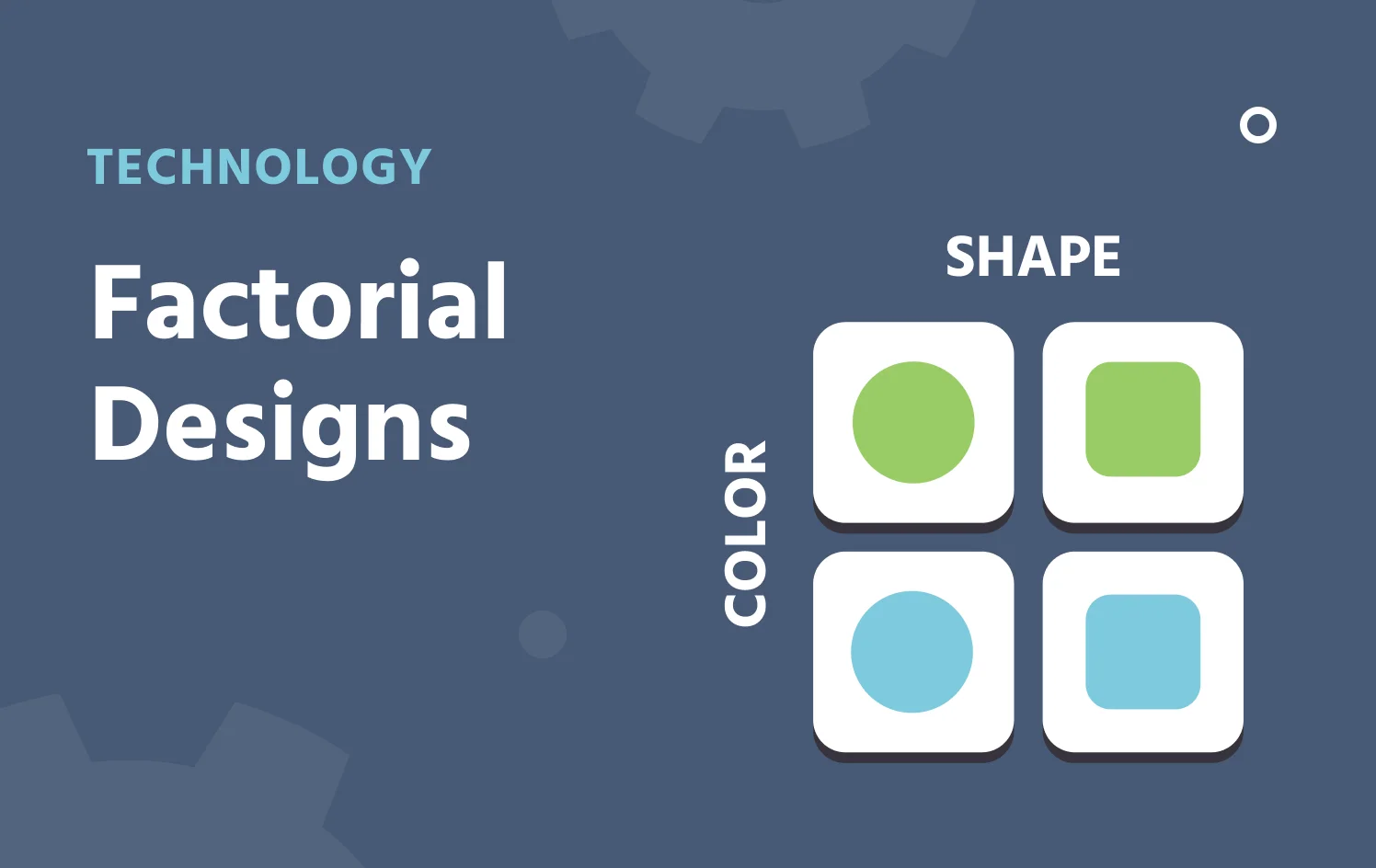
Factorial Designs
Cross factors and levels to build conditions.
Interviews & Video Calls
Run a live conversation inside the study.
Questions about your study design or platform fit?