Head & Face Tracking
Labvanced tracks a participant's head and face from a standard webcam, giving you a passive measure of attention with no calibration and no additional hardware. It records head orientation, position, distance from the camera, nose direction, and eye openness as time-stamped values during a trial, and it can be used on its own or alongside webcam eye tracking.
Table of Contents
How Head and Face Tracking Works
At the start of a study, the participant sees a preview of themselves from their webcam with a face mesh drawn on top, created by a neural network, and confirms that it looks correct. The study then begins as planned. All recorded values are relative to the camera, so a value of 0 means the participant is facing the camera straight on, and any movement relative to the camera is recorded as a number. You enable it in the Task Settings under the Physiological Signals tab. By default one face is tracked. The sampling rate depends on the participant's computer, because a faster computer processes more frames.
Privacy and Client-Side Processing
Head and face tracking runs in the participant's own browser. A face mesh is computed from the webcam feed on their device, and the values your study records are numeric: angles, coordinates, and distances. A video of the participant is saved only if your study includes a recording object. As with any camera feature, tell participants in your consent materials that their webcam is used. For the full data security picture, see Data Security & Privacy.
Attention and Bot Checks
Because head orientation is closely coupled with where a participant is looking, it can verify that a participant is facing the screen. A sample study plays a video only while the head tracking trigger shows that the participant is attending, and pauses it otherwise. Head turn and distance values can also be used to build bot checks, see the Bot Checks page.
Measures You Can Record
Head and face tracking records these measures during a trial, and each one can be stored in a variable.
| Measure | What it tells you |
|---|---|
| Head turn, tilt, and roll | Head orientation: turning left and right (yaw), tilting up and down (pitch), and rolling from side to side. |
| Head position | The X and Y coordinates of the center of the head, with a timestamp. |
| Head distance | A relative, unitless measure of how far the head is from the camera. Larger values mean farther away. |
| Nose position and nose vector | Where the nose is and which way it points. It shows whether the participant is facing the screen, which is useful when eye tracking is not enabled. |
| Face mesh | The facial keypoints of the latest frame, available as a dataframe of coordinates. |
| Eye openness | How open the left and right eye are, relative to a baseline or to the distance between the eyes. |
| Deviation from a reference pose | How far the head has moved from a reference pose in turn, tilt, roll, position, and distance. |
| Timestamps | When each frame was captured, so every measure lines up with the rest of the study's data. |
Helpful Documentation for Head and Face Tracking
Head Tracking or Eye Tracking
Head tracking can serve as the main physiological measurement in a study or as an additional data stream beside eye tracking, and many studies use both. Gaze, facial emotion, and heart rate detection can also be activated from the same webcam, see Remote Physiological Measurement. See the Head Tracking guide for how to decide.
| Aspect | Head tracking | Eye tracking |
|---|---|---|
| Calibration | None | Required, specific to each participant |
| Level of detail | A coarser measure of attention, from head orientation and position | Where on the screen the participant looks |
| Hardware | A standard webcam | A standard webcam |
| Typical use | Checking that a participant faces the screen, orientation, and movement | Gaze, fixations, and areas of interest |
Questions about your study design or platform fit?
Popular Research Applications
These are popular applications of head tracking, and the 13 Head Tracking Use Cases article covers more:
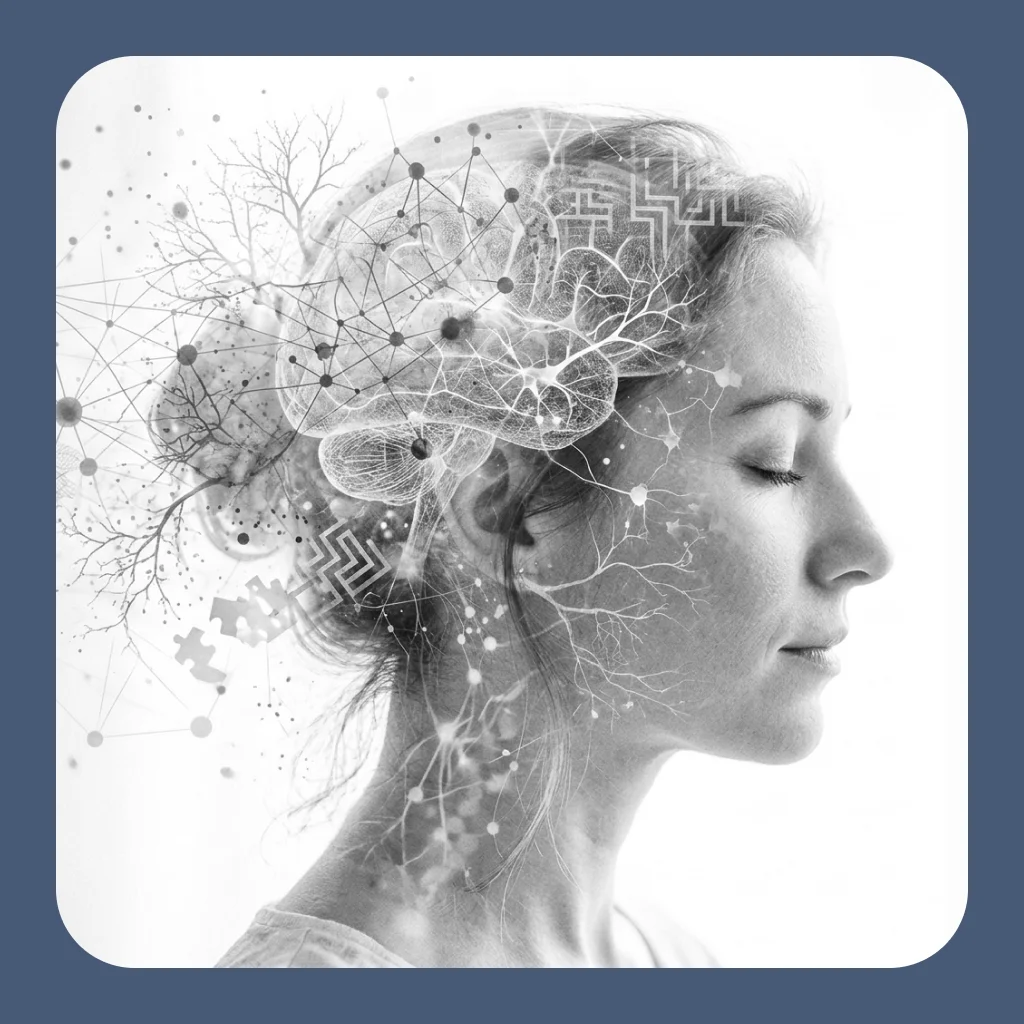
- Cognitive psychology: Head movement is closely coupled with attention, so head orientation is a direct and passive indicator of whether a participant is attending to the stimuli. In online studies it is used to determine whether the participant is facing the screen. See Cognitive Psychology.
- Sports psychology: Head movements guide and affect performance in sport, for example head fakes in basketball and head rotation when batting in baseball. Webcam head tracking lets these movements be studied in tasks that run on a participant's own computer. See Sports Psychology.
- Social psychology: Head nods and shakes carry meaning in nonverbal communication, and the meaning differs between cultures. Head tracking records them as numeric values for analysis. See Social Psychology.
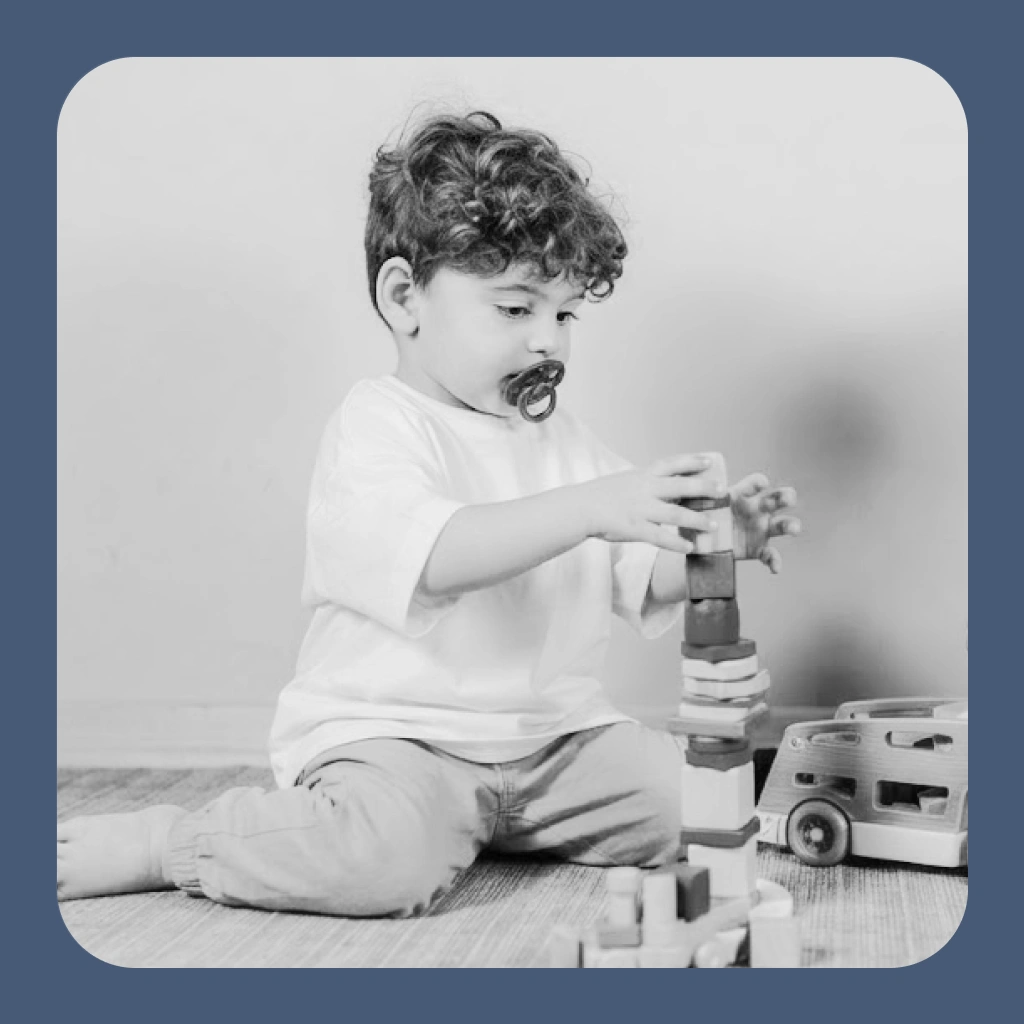
- Developmental psychology: Eye tracking with infants and children is hard because of the calibration, while head tracking needs none. In young participants, head orientation and attention are closely related. See Developmental Psychology.
Cognitive Psychology
Head orientation as an indicator of attention.

Sports Psychology
Head movements during performance.

Social Psychology
Head nods and shakes in communication.
Developmental Psychology
Tracking without calibration for children.
Frequently Asked Questions
Does head tracking need calibration?
Do I need extra hardware?
What does a recorded value of 0 mean?
Can I use head tracking together with eye tracking?
Further Reading
Mouse Tracking
Cursor position and movement during a task.
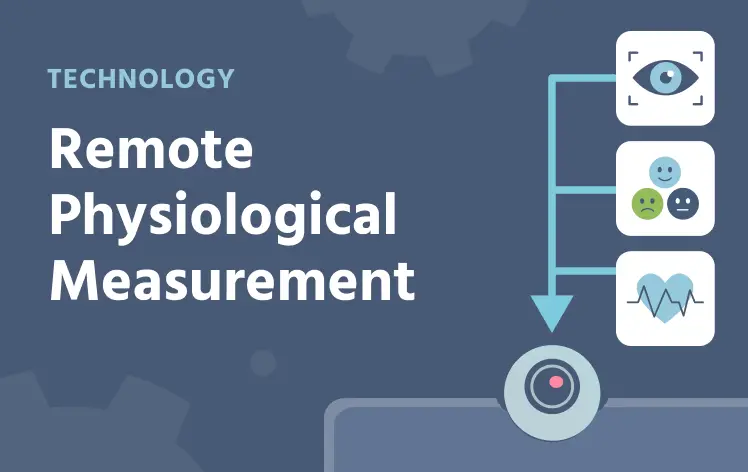
Remote Physiological Measurement
Gaze, emotion detection, and heart rate detection from one webcam.

Online Experiments
Run studies in the browser on participants' own devices.
Questions about your study design or platform fit?