Single Session Studies
A single session study is the classic experimental format: each participant takes part once, in one sitting. In Labvanced, you build it visually with no code, and the same study runs in a browser, in the lab, or on a phone. Groups, such as a control group and a treatment group, are one way to structure it.
Table of Contents
The Classic Format
Every Labvanced study starts as a single session design: a participant opens the study link, completes the blocks and tasks you built, and is done. This format covers most laboratory-style experiments, from a one-block reaction time task to a full battery of tasks and questionnaires completed in one visit.
Within a single session you can build a between-subjects design, where groups experience different conditions, a within-subjects design, where every participant completes all of the conditions, or a mixed design that combines both. See Factorial Designs for how conditions are built.
Compare Participant Groups
Groups are one way to structure a single session study, and a study without groups works just as well. Groups are the top level of a study's structure, and a study can contain as many as your design needs. You can give each group its own sessions, so different groups can see different tasks or different versions of the same task. This is the usual way to build a control and treatment comparison, or to counterbalance the order of tasks and blocks across participants.
| Example grouping | How it works |
|---|---|
| Control Group and Treatment Group | The classic comparison. One group completes the standard task and the other completes the treatment version, and each new participant is assigned automatically. |
| Age Groups | Restrict each group to an age range, such as children and adults, so participants are sorted into the right group when they start. |
| Language Groups | Sort participants by first language, for example bilingual and monolingual speakers, without a separate screening step. |
Each group can also carry participation requirements. You have the option to restrict a group by gender, age range, location, first language, or a custom requirement that participants confirm before they begin. A study comparing bilingual and monolingual participants, or two age bands, can sort participants into the right group without a separate screening step.
Automatic Group Assignment
When a participant starts the study, Labvanced matches them to a group whose requirements they meet. If more than one group fits, or no requirements are set, the participant joins the group with the fewest participants at that moment, which keeps group sizes equal as data collection proceeds. If you need unequal group sizes, a weight on each group sets the ratio, so a group with a weight of 2 receives twice as many participants as a group with a weight of 1.
One Session, Combined With Other Designs
A single session is the container, and what happens inside it is up to your design. Examples of single session designs include:
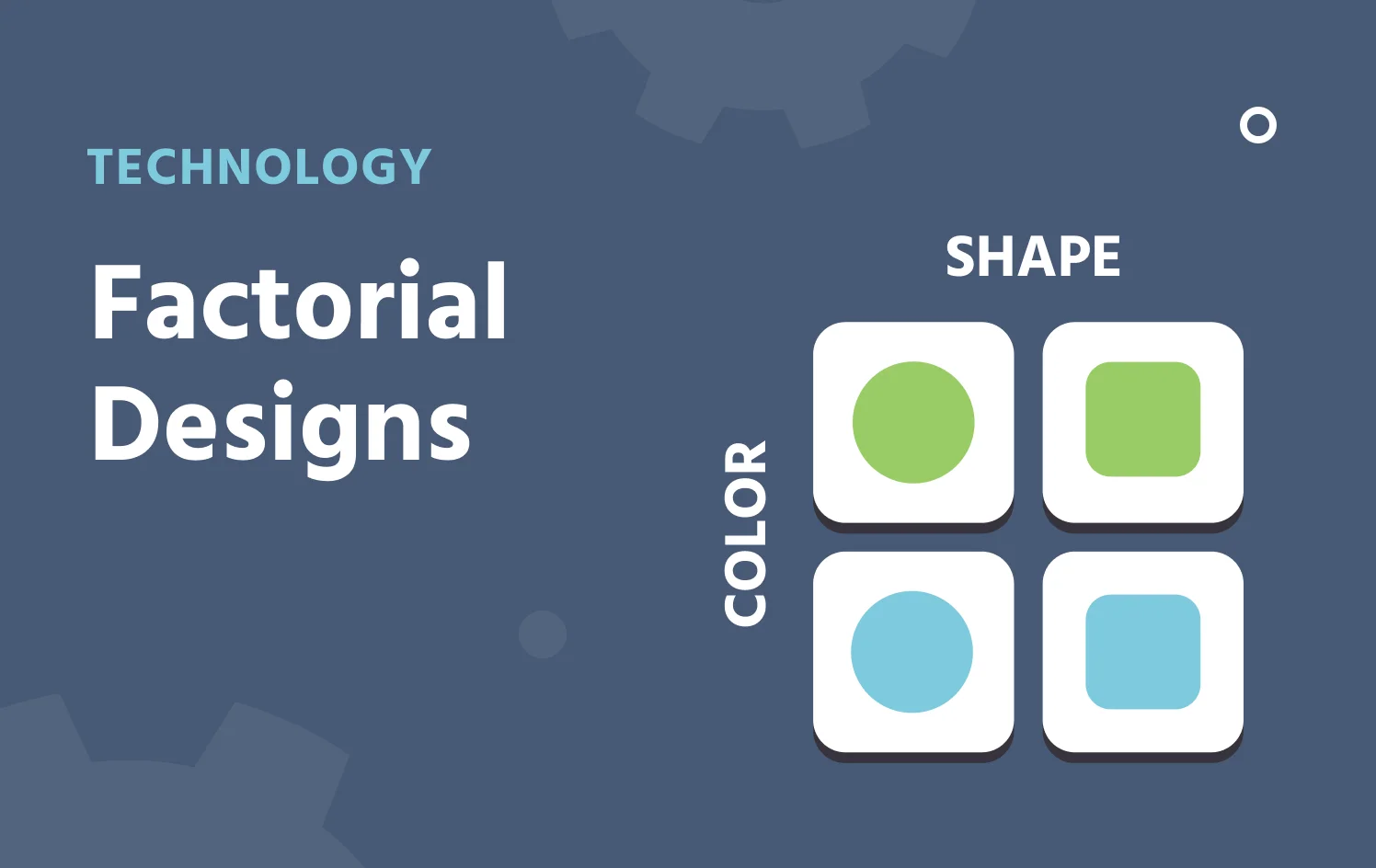
Factorial Designs
Cross several factors inside a session to compare conditions within each participant.

Multi-User Studies
Two or more participants take part at the same time, as in economic games or joint decision tasks.
Individual & Case Studies
Focus on one participant in depth and compare them with others in the same study.
Interviews & Video Calls
Hold a moderated conversation inside the visit, alongside tasks and questionnaires.
Questionnaires
Place validated scales before or after the experimental task within the same visit.
Longitudinal Study Design
Add sessions to a group to measure the same participants again.
A single session study also runs across modes. The same study can be completed in a browser, in the lab through the Desktop App, or on a phone through the Mobile App.
When One Session Is Not Enough
A single session design measures each participant at one point in time. When the same participant needs to return for a later measurement, such as a pre/post intervention design or a retention test, add sessions to a group and the study becomes a longitudinal design.
Examples of Data You Can Collect
A single session can use anything a Labvanced study records, and these are common examples. Each participant's data is saved with their own session.
| Data | What it captures |
|---|---|
| Task performance | Accuracy and reaction times for each trial. See Behavioral Research Tasks. |
| Physiological signals | Gaze, facial emotion, and heart rate recorded together from the participant's webcam. See Remote Physiological Measurement. |
| Questionnaire scores | Item responses and scale scores before or after the experimental task. See Questionnaires. |
| Cursor behavior | Cursor position and movement during a task. See Mouse Tracking. |
| Spoken responses | Voice answers recorded during a trial. See Audio Recordings. |
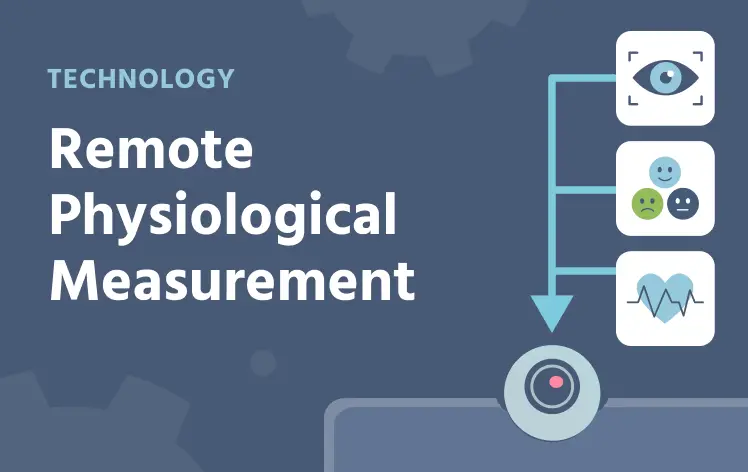
Remote Physiological Measurement
Gaze, emotion detection, and heart rate detection from one webcam.
Questionnaires
Rating scales and item responses in the same visit.
Mouse Tracking
Cursor position and movement during a task.
Questions about your study design or platform fit?
Popular Research Applications
These are popular applications of single session designs, often with group comparisons:
- Developmental psychology: Age groups can be compared in a cross-sectional design, with each group restricted to an age range so participants are sorted into the right group automatically. See Developmental Psychology.
- Clinical research: A patient group can be compared with a control group on the same tasks, using a custom requirement that participants confirm before they begin. Group sizes stay balanced as data collection proceeds. See Clinical Psychology.
- Linguistics: Participants can be sorted by first language, for example bilingual and monolingual speakers, without a separate screening step. Each group can receive the same task or a different version of it. See Linguistics.
- Cognitive psychology: A full battery of tasks and questionnaires can be completed in one visit, with group assignment and counterbalanced task order built in. See Cognitive Psychology.

Developmental Psychology
Age groups in a cross-sectional design.

Clinical Psychology
Patient and control groups.
Linguistics
Groups sorted by first language.

Cognitive Psychology
A task battery in one visit.
Setting It Up in Labvanced
Groups and their requirements are configured in the Study Design tab, with no code required. For the full reference, see the Groups guide and the Creating a Study guide.
Frequently Asked Questions
How are participants assigned to groups?
Can different groups see different tasks?
Can I limit when a single session study can be started?
Further Reading
Groups
The reference for group requirements, weights, and between-subjects balancing.
Creating a Study
Set up a study from scratch, from groups and sessions to blocks and tasks.

Code-Free Experiment Builder
Build studies visually in the task editor, with no programming required.
Questions about your study design or platform fit?