System Variables
System variables are created automatically by Labvanced; they cannot be created, modified, or deleted by hand the way a custom variable can. They track experiment-level information that Labvanced already knows on its own: trial number, subject counter, browser type, screen size, session start and end times, and, in a multi-user study, Role_Id.
Why they're useful
Because system variables update automatically, they're particularly useful inside a Requirement Action, to branch behavior based on something Labvanced is already tracking rather than a value you'd otherwise have to record and maintain yourself. A common pattern is executing an action only on a specific trial number, or, in a multi-user study, only for a specific participant.
A few examples of what they're good for beyond branching logic:
TimeMeasure_MeanandTimeMeasure_Stdestimate how precisely a participant's device can measure reaction times. A higher value on either one is informative on its own, it can flag a participant's data as a likely timing outlier worth a closer look, or excluding, before it skews an RT analysis.Browser_SpecandSystem_Specmake it possible to check for performance differences across browsers or operating systems after data collection, without having asked participants to self-report anything.Screen_Width_In_PixelsandScreen_Height_In_Pixelslet a stimulus-timing or layout analysis account for real differences in participants' displays instead of assuming a uniform screen size.
See the System Variables Table for the complete list.
Where to find them
System variables are visible in the app's Variables tab, alongside any custom variables in the study.
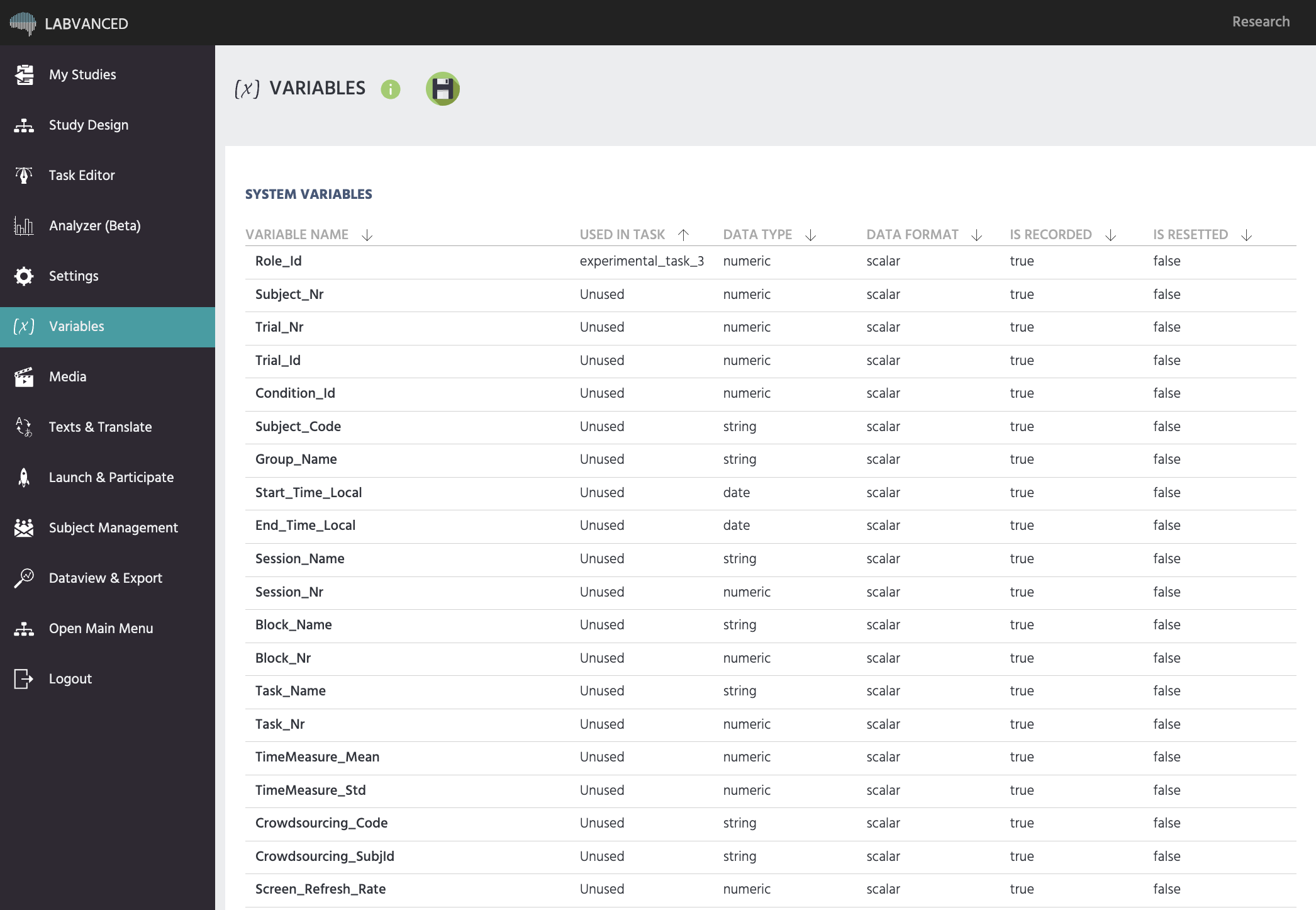
They're also reachable from inside a task: opening the variable-selection dialog on any action shows a Global Variables tab alongside Local Variables and New Variable, system variables are listed there.
Read-only, but still usable everywhere
A system variable's value is set by Labvanced itself, not by a Set / Record Variable action, so it can't be edited or overwritten. Its value can still be read anywhere a variable can be read, though: in a Requirement Action's condition, in the value-select menu of another action, in the exported data, or as the basis for a new variable of your own. A popular pattern is an Arithmetic operation reading Trial_Id and adding 1, saved into a custom variable to use as your own internal counter.
Further Reading
System Variables Table
The full list of every system variable Labvanced creates automatically, with what each one tracks.
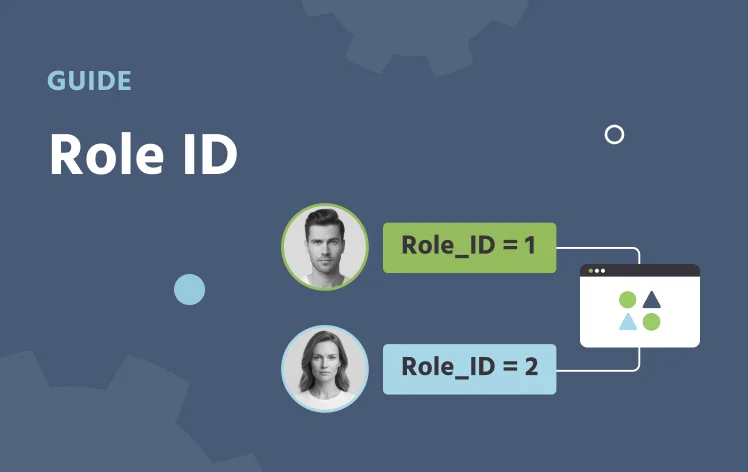
Role_Id
The system variable that identifies each participant in a multi-user study.
Variable Types
All six variable types in Labvanced, system variables among them, and when to use each.