Distribute Variable Action
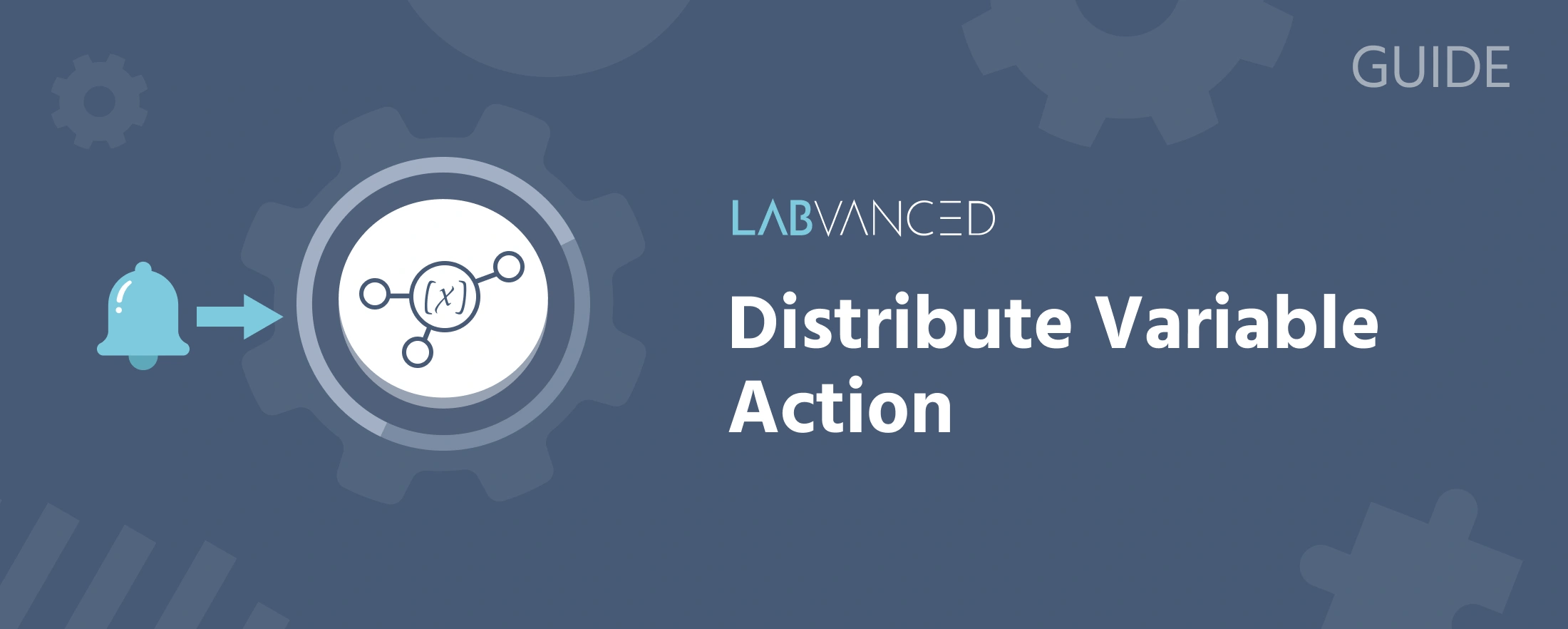
Distribute Variable is the action that moves a value from one participant's experiment to another's in a multi-user study. Without it, each participant's experiment runs in complete isolation, even inside the same session; this is the one action that actually pushes information across that boundary, allowing stimuli locations, chat text, scores, or any other value to be reflected on another participant's screen.
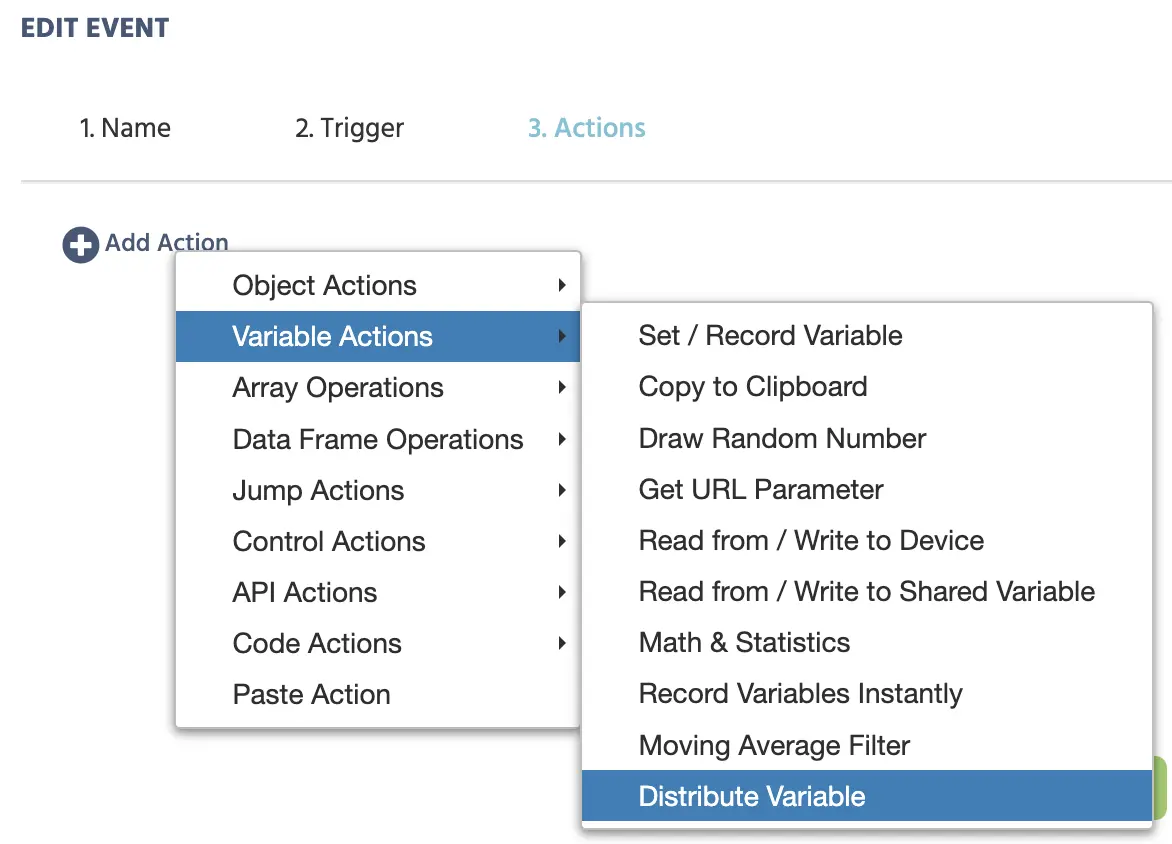
How it works
Once selected as an event's action, a dialog specifies exactly which value is being distributed and to whom.
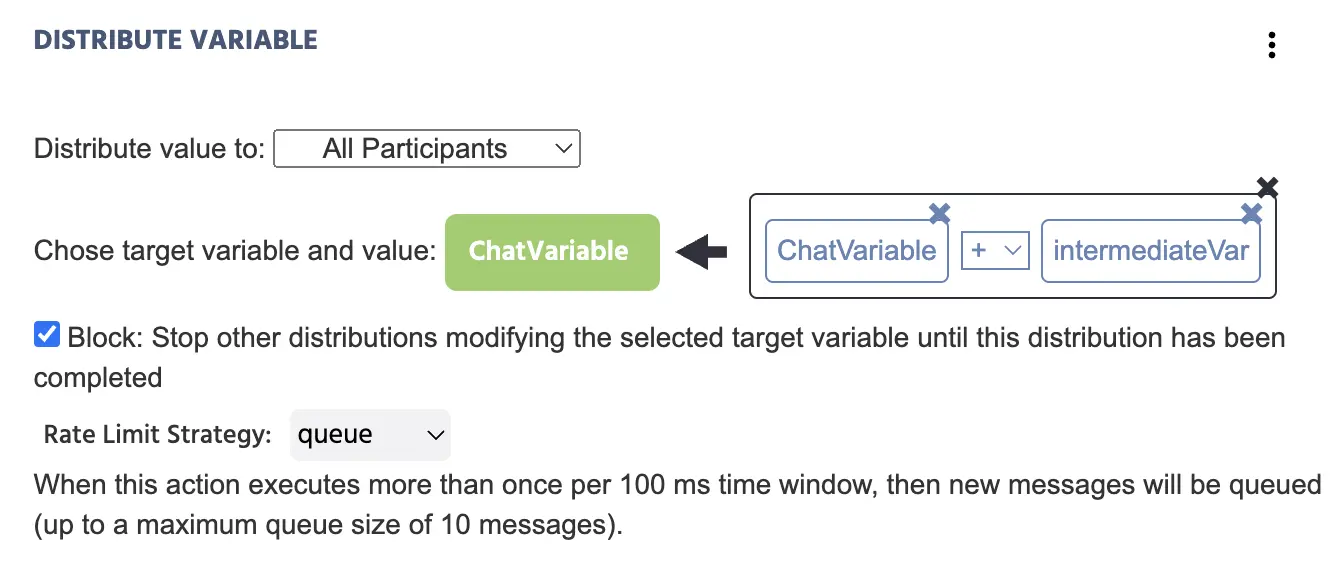
| Setting | What it controls |
|---|---|
Distribute value to | Which participants receive the value: All participants, or a Selected Participants list. |
Choose target variable and value | The variable on the receiving participant's screen, and what value it should be set to (a constant, a current variable value, or a computed expression). |
Block | If enabled, the target variable cannot be changed again until the current distribution has fully completed, preventing two near-simultaneous distributions from colliding. |
Rate Limit Strategy | A safeguard against overloading the server when an action fires faster than the server can process it (more than once per 100 ms). Choose Debounce (only the most recent message sends after a quiet interval), Throttle (only the most recent message within each 100 ms window sends), Discard (extra messages within the window are dropped), or Queue (extra messages queue, up to 10). |
When to use Block
Turn Block on whenever more than one participant could write to the same target variable at close to the same time, for example both players in a game submitting a move at once. With Block on, the first distribution to arrive is processed and later attempts wait until it completes. With Block off, distributions are applied as they arrive, which can leave the target variable holding whichever value happened to land last.